
Keep your kids safe online.
A practical, judgement-free course that gives you the tools, confidence, and conversation starters to protect your children in a digital world.
Why this matters
Keeping up feels impossible.
The apps, the games, the group chats — they change faster than any parent or school can track. But the risks to kids are real, and they're growing. Press play for a short narrated overview.
Why parents and educators choose Parent Shield
What parents face
Your child's digital life happens in places you can't see — group chats, private accounts, game lobbies. Most parents only find out something is wrong after it already has been.
What schools see
Cyberbullying and online conflict follow kids into the classroom. Teachers and administrators are left managing the fallout of problems that started on a screen at home.
What this course gives you
14 lessons across 5 modules that turn worry into a plan: practical controls, calm conversation starters, and hands-on setup labs you can apply tonight.
Why we built this
The online world wasn't built with kids in mind.
Children and teens now grow up on platforms designed to maximize engagement, not safety. Parent Shield was created to give families a clear, calm path through the real risks that shape a child's digital life — without fear, shame, or overwhelm.
Cyberbullying & harassment
Hurtful messages and group-chat exclusion follow kids home, long after the school day ends.
Contact from strangers
Predators use games and social apps to reach children who believe they're talking to a peer.
Inappropriate content
Explicit, violent, or extremist material is often just one accidental tap away.
Privacy & oversharing
Personal details and location data are shared faster than most kids realize.
95%
of teens have smartphone access
1 in 3
children contacted by a stranger online
Age 11
average age for a first smartphone
What you'll learn
Four pillars of digital safety
Each module breaks down a critical area of online safety into clear, actionable steps you can apply tonight.

Understanding the Digital World
See the landscape your child navigates every day.
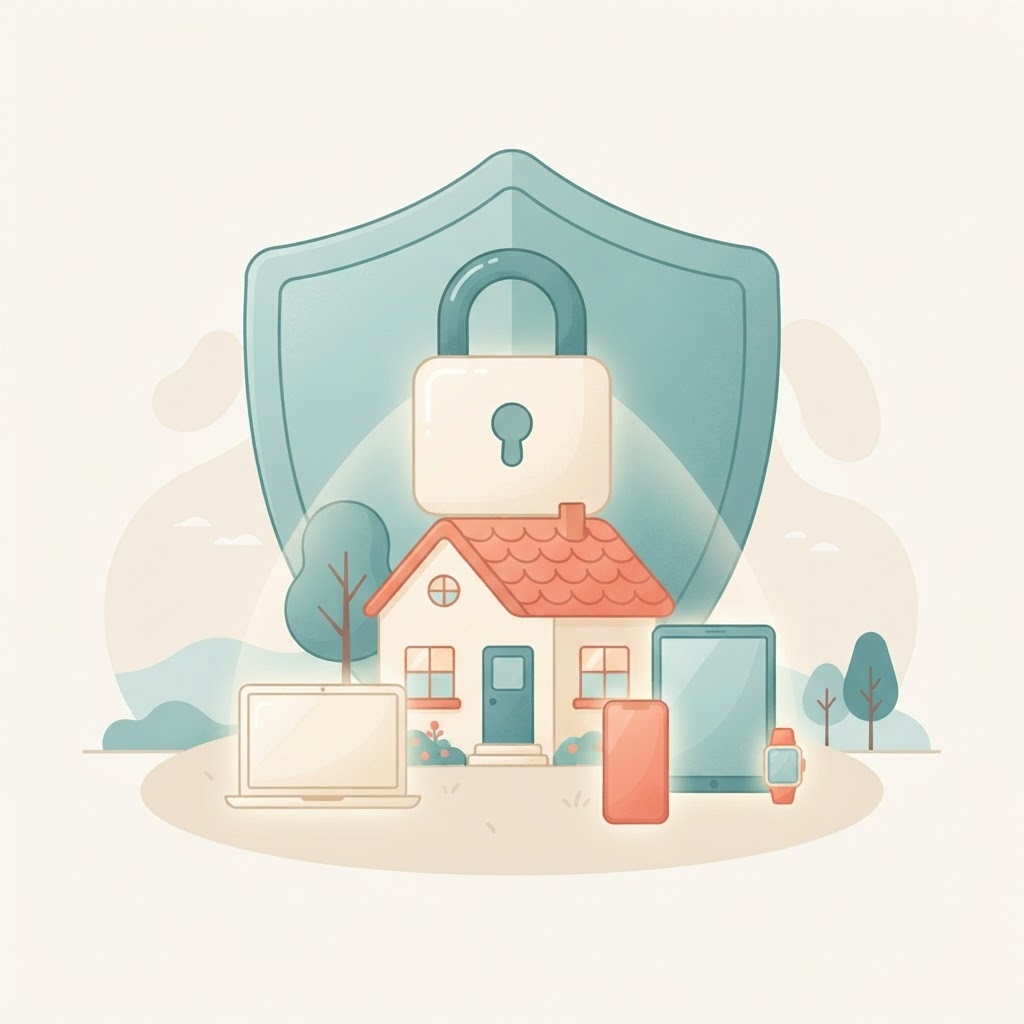
Protection & Privacy
Practical controls and privacy habits that work.
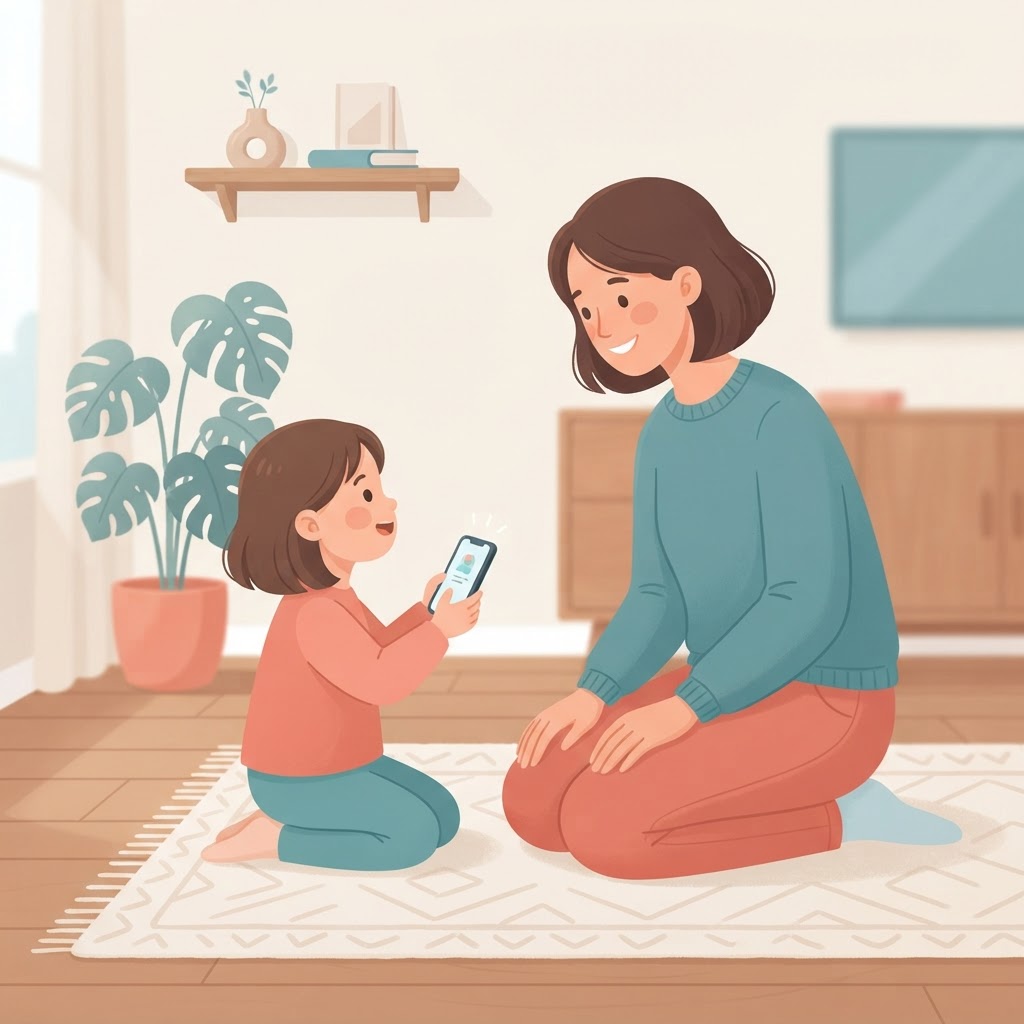
Threats & Cyberbullying
Recognize danger signs and respond with calm.

Trust & Healthy Habits
Build open communication that lasts a lifetime.

Online Gaming Safety
Keep kids safe in the games and lobbies they love.
What's included
Everything in the course
What you'll gain
Benefits that last well beyond the last lesson
This isn't just information — it's a calmer, more confident relationship with your child's digital life.
Real confidence
Walk away knowing exactly what to watch for and what to do — no second-guessing.
Stronger trust
Build open, judgment-free conversations so your child comes to you first.
Better talks
Ready-to-use scripts for tricky topics, without the lecture or the eye-rolls.
Practical tools
Step-by-step labs to lock down devices, apps, and privacy settings tonight.
Lasting habits
Lessons your whole family can revisit as your child grows and their world changes.
Peace of mind
Replace worry with a clear, trusted plan you can actually stick to.
From parents like you
Trusted by families everywhere
Real feedback from parents who completed the course and put it into practice at home.
"I finally feel like I understand what my daughter is doing online. The conversation starters alone were worth it."
Maria Alvarez
Parent of a 13-year-old
"Short, practical, and no fear-mongering. We set up parental controls together the same evening I finished the labs."
James Patterson
Parent of a 10-year-old
"The cyberbullying lesson helped me recognize signs I'd completely missed. So grateful this course exists."
Tanya Brooks
Parent of a 15-year-old
Pricing
One course. One price.
The Complete Parent Shield Course


Included free
The Parent Shield Workbook
An 8-part printable guide: setup checklists, family agreement, conversation scripts and a 30-day plan.
- All 14 lessons unlocked
- Quiz after every lesson
- 6 hands-on safety setup labs
- Intro audio narration for every lesson
- Curated resources library
- Progress saved on your device
- Free Parent Shield Workbook (printable PDF)
- Lifetime access — including future updates
FAQ
Questions parents ask
Everything you might be wondering before you start.
Yes. The lessons are designed for parents at any stage — whether your child is getting their first phone, already active on social media, or somewhere in between. We start with the fundamentals and build from there, so you'll have a clear framework no matter where you are.
Ready to become your child's digital guide?
The whole course takes about two hours. Enroll now and start tonight.
See pricingAbout this course
This course is designed and produced by emeraldcybersolutions.com, a provider of practical cybersecurity and digital-safety education for families.
Disclaimer
The information in this course is provided for general educational purposes only and does not constitute professional, legal, or psychological advice. While the guidance reflects widely recommended practices in child online safety, every family and child is different. You are responsible for deciding which tools and strategies are appropriate for your situation. Emeraldcyber Solution and Parent Shield accept no liability for actions taken based on this course. If your child is in immediate danger, contact your local emergency services or the NCMEC CyberTipline at report.cybertip.org.
Designed by Emerald Cyber Solutions